
How to switch between companies
Get an overview of multiple companies and switch between them. This feature is reserved for larger companies.
Step 1
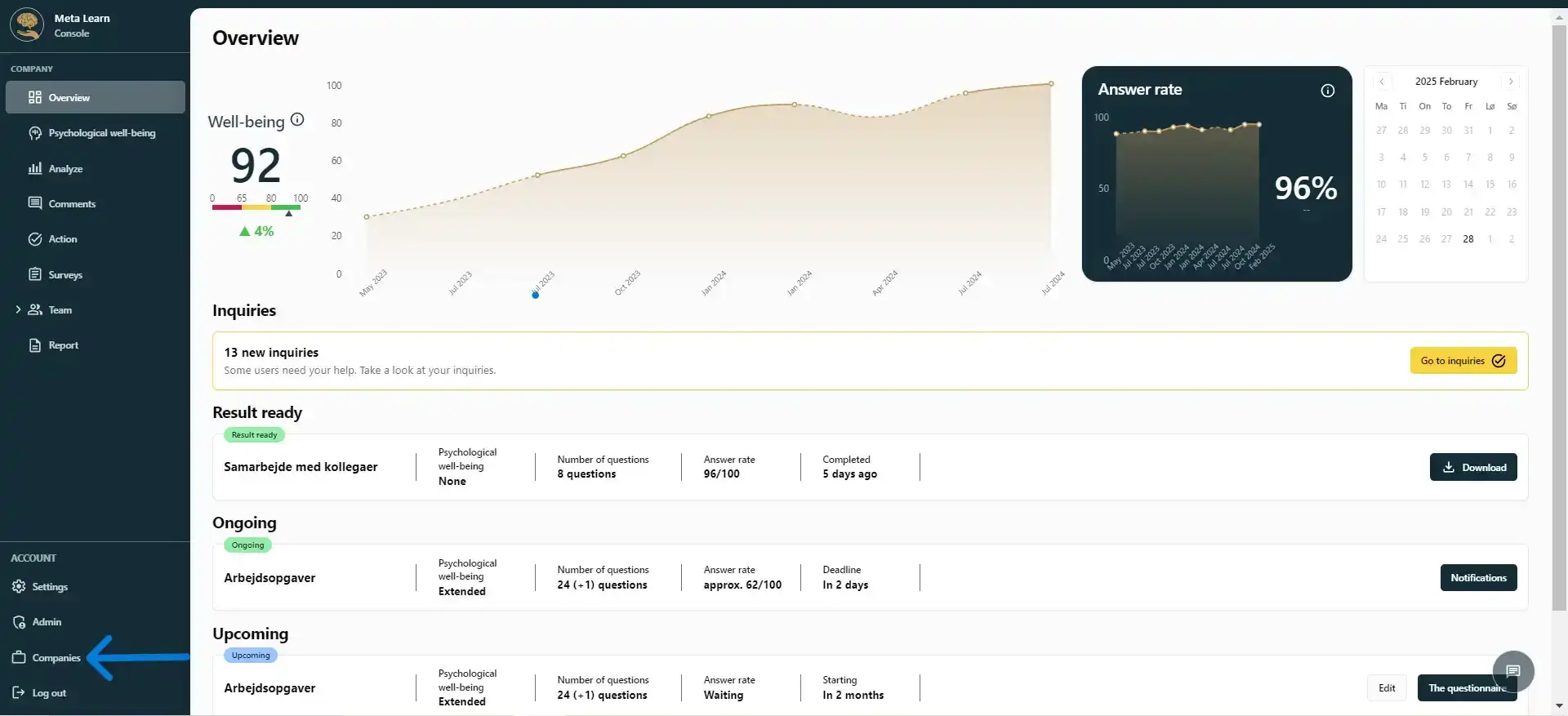
Start by clicking on “Companies.”
Step 2
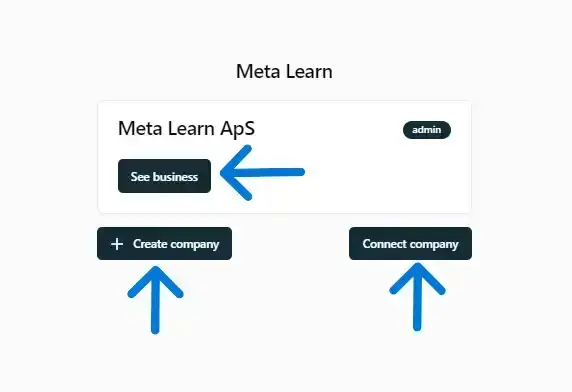
Here you can see an overview of the companies you have access to.
You can also create a new company or connect to an existing one.
Related guides
Understand the settings in Meta Learn
A quick overview of the platform’s settings and features.
View guideManage access to Meta Learn
See who has Admin access and invite new admins.
View guideImport employees in under 1 minute
Connect your employee list to Meta Learn via an integration or manual import, and get started right away.
View guide